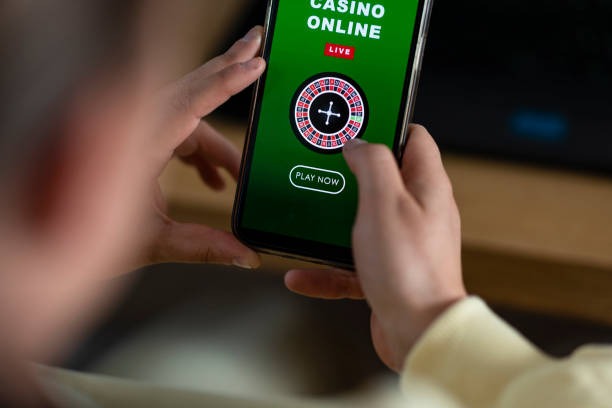

Find Answers Before Opening Your Account
Our FAQ is arranged around the moments where an account step can pause: phone confirmation, wallet selection, cashier status, and lobby access. Rather than sending you through broad platform copy, we explain what to check on the page in front of you. Start with the account fields, confirm the mobile number attached to your profile, then use the wallet label shown in
the cashier. For bank routes, the FAQ explains virtual account and bank transfer steps with BCA, BRI, Mandiri, and BNI context. You can then return to the tototix home page and open your account with fewer unclear steps.
- DANA
- OVO
- GoPay
- QRIS